 0x76657264696E's Blog
Makeing this website
I had a lot of themes to choose from Jeykll showcases dozens of them at jekyllthemes.org.
The my personal favorite were dark_kimochi
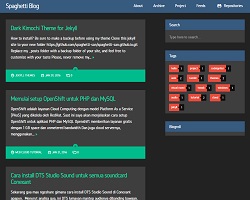
and slender
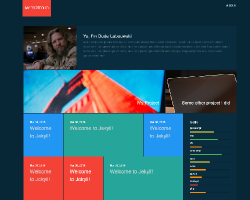
I chose Dark kimochi because it was more conducive to a blog format.
The link for the code was broken but a quick DuckDuckGo.com search gave me the project’s github.
The first thing I realized was that the project had last been edited three years ago. After running it, I realized it was breaking in the github site building pipe.
The only error I got when a site failed to build is “Page build failed.” which is not that useful for troubleshooting.
To test I installed Jekyll locally with these instructions and ran it with:
bundle exec jekyll serve
and it worked?
I was able to pull up my site on http://localhost:4000/
My problem seemed to be localized to github pages, so I emailed github support. They were very helpful and sent me some error logs to help focus my search.
[33m       Deprecation: The 'gems' configuration option has been renamed to 'plugins'. Please update your config file accordingly.�[0m
�[31m  Liquid Exception: 1 is not a symbol nor a string in sitemap.xml�[0m
�[31m             Fatal: TypeError�[0m
�[31m                    1 is not a symbol nor a string�[0m
This was pretty clear but when I changed ‘gems’ to ‘plugins’ my local build failed. This turned out to be caused by how old my local install of Jekyll was.
bundle exec jekyll -v will tell you your Jekyll version.
bundle update updated Jekyll
apt upgrade does not update Jekyll.
sitemap.xml was still erroring out and I could now see that locally. I did not figure out the exact error but I was able to find its location, so I removed the offending section of the file. Perhaps not the best solution but I don’t really need a sitemap.
The last thing I had to do was change the color.
I used the command:
find . -type f | xargs sed -i 's/#eaa28a/#eaa28a/g'
where #eaa28a is the old color and #eaa28a is the new color in hex.
I used w3school’s color picker to choose my color and Firefox Eyedropper find the old color.
In the end it came out looking quite nice.
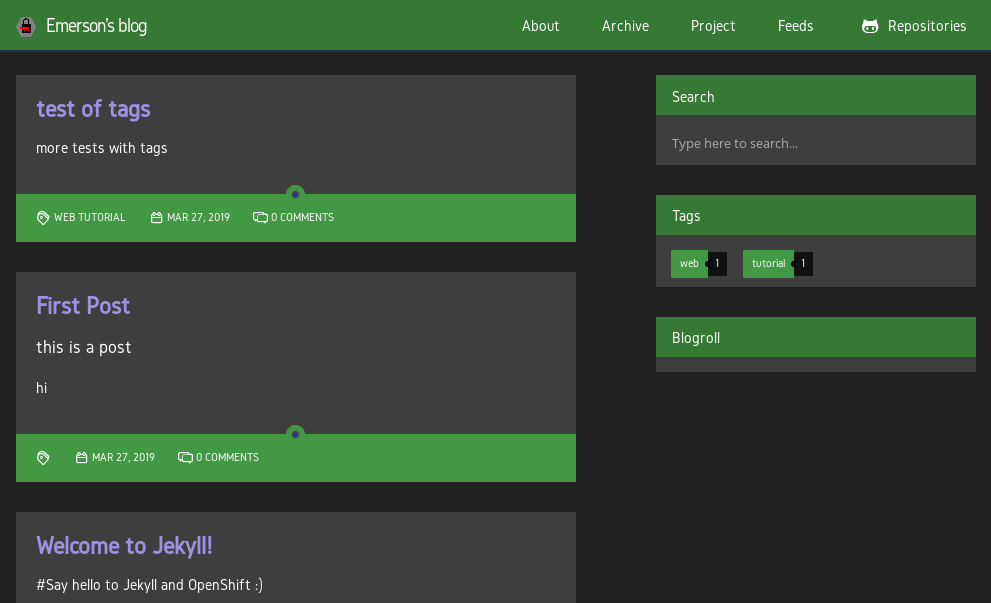
also add .markdown to all new posts
I hope you have as much fun as I did making you own blog.
test of tags
more tests with tags
Test
this is a post
hi
Welcome to Jekyll!
#Say hello to Jekyll and OpenShift :)
You’ll find this post in your _posts directory - edit this post and re-build (or run with the -w switch) to see your changes!
To add new posts, simply add a file in the _posts directory that follows the convention: YYYY-MM-DD-name-of-post.ext.
Jekyll also offers powerful support for code snippets:
def print_hi(name)
  puts "Hi, #{name}"
end
print_hi('Tom')
#=> prints 'Hi, Tom' to STDOUT.
Check out the Jekyll docs for more info on how to get the most out of Jekyll. File all bugs/feature requests at Jekyll’s GitHub repo.